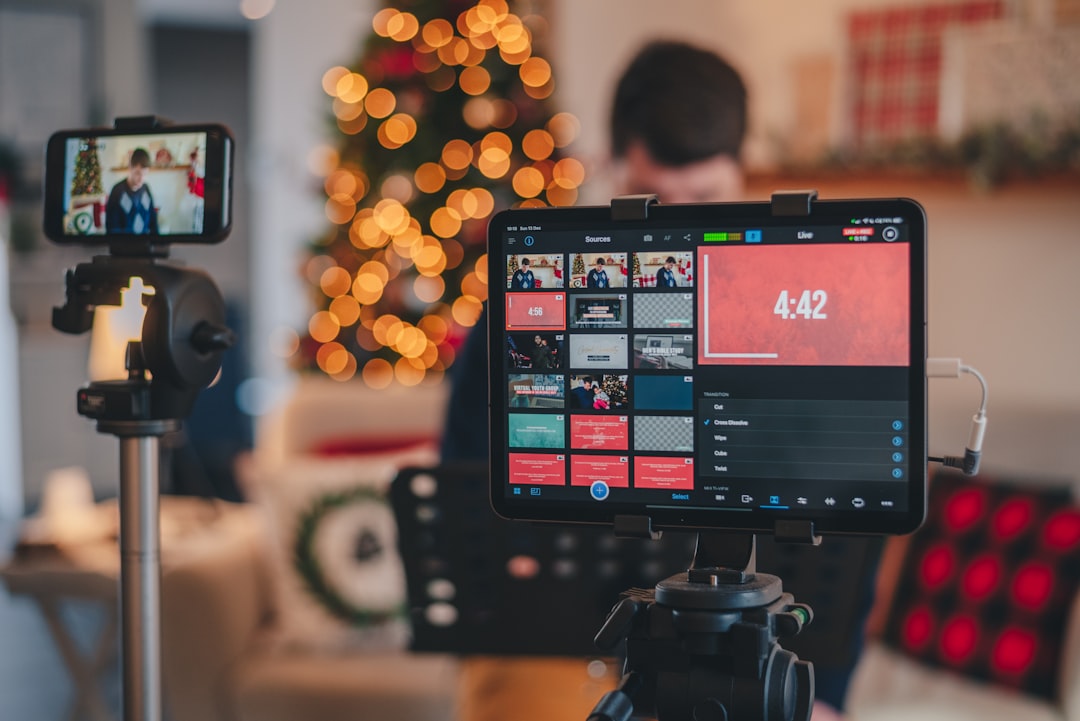
A reliable moderation workflow turns live chat from a distraction into a managed part of the event. This reusable checklist explains how to assign moderator roles, set rules, configure tools, handle incidents, support accessibility, and review results after the stream.
Overview
Live stream moderation is a combination of preparation, real-time judgment, and follow-up. The goal is not to remove every difficult comment or make chat completely uniform. It is to protect the event’s purpose, help participants find useful information, and give the host a clear path when something needs attention.
A practical moderation system should answer five questions before the stream begins:
- Who is watching chat, and what decisions can they make?
- What behavior is allowed, discouraged, or removed?
- Which tools will catch spam, repetition, links, or prohibited terms?
- How does a moderator escalate a serious issue?
- What will the team review after the event?
The right setup depends on the platform, audience size, stream format, and risk level. A small creator stream may need one person with clear rules and basic filters. A product launch, webinar, or community event may need separate people for chat, technical support, guest coordination, and incident response. For broader event preparation, use the live webinar checklist alongside this moderation workflow.
Checklist by scenario
Before every stream
- Define the purpose of chat. Decide whether chat is primarily for questions, conversation, technical help, feedback, or community interaction. Tell viewers how to use it.
- Write short, visible rules. Include expectations for respectful discussion, personal information, repetitive promotion, harassment, impersonation, unsafe links, and off-topic content. Use plain language rather than a long policy document.
- Assign roles. Name a lead moderator who makes final decisions. Add chat moderators as needed, and identify a technical contact for stream or audio problems. The host should not have to manage every report while presenting.
- Prepare an escalation path. Specify when a moderator should delete a message, warn a participant, time out or restrict an account, remove a participant, pause chat, or contact the event lead. Record the preferred private communication channel.
- Configure moderation tools. Review platform filters, slow mode, approval queues, blocked terms, link controls, follower or subscriber restrictions, and automated spam detection. Test settings in a private or low-risk environment where possible.
- Prepare standard responses. Create short replies for repeated questions, off-topic requests, technical problems, and reminders about the rules. Templates reduce inconsistent decisions without making the conversation feel automated.
- Check accessibility. Make rules readable, avoid relying on color alone, use descriptive language, and ensure that important information is also spoken or presented in the stream. Keep captions and transcripts in mind when planning audience support.
During a Q&A or educational stream
- Collect questions in one recognizable format, such as a question prefix or dedicated channel.
- Remove duplicate questions only when necessary; otherwise, group similar questions for the host.
- Mark questions that need fact-checking or a later written answer.
- Keep an eye on unanswered technical reports, such as “mic not working on stream” or missing video, and route them to the technical contact.
- Post time-based reminders when the session is nearing its end, including where viewers can find follow-up information.
During a community or creator stream
- Watch for rapid repetition, suspicious account behavior, unsolicited links, impersonation, and attempts to move viewers to an unsafe destination.
- Use a graduated response: clarify the rule when appropriate, issue a warning when useful, and take direct action when behavior is clearly harmful or disruptive.
- Protect the host’s attention. A moderator can summarize a developing issue privately instead of filling public chat with operational discussion.
- Keep the community engaged with approved prompts, polls, topic reminders, or questions that support the stream rather than competing with it.
During a high-risk incident
- Confirm what is happening before acting when time allows. Distinguish a single error from coordinated spam or a safety concern.
- Capture the minimum necessary record: time, account or message reference, action taken, and reason. Avoid collecting unnecessary personal information.
- Escalate threats, privacy concerns, targeted harassment, or suspected account compromise through the platform’s available reporting and safety processes and your organization’s internal procedure.
- Use a prepared holding message if chat must be restricted: explain that moderation is active and provide a safe alternative for event questions.
- After the incident, brief the host and event lead before reopening normal interaction.
What to double-check
Moderation tools are useful only when their settings match the event. Review the following immediately before going live:
- Permissions: Confirm that each moderator can perform the actions they need and cannot access areas outside their role.
- Filters: Check blocked-word lists for false positives, missing variations, and language relevant to your audience. A list should support human review, not replace it.
- Links: Decide whether links require approval and prepare the official destinations moderators may share.
- Time zones and handoffs: For long streams, document who is on duty and when responsibility changes.
- Private coordination: Test the moderator backchannel separately from public chat. Do not rely on the stream chat to coordinate an incident.
- Stream health: Confirm that moderators know where to report buffering, dropped frames, encoder errors, or audio problems. The live streaming troubleshooting checklist can support this handoff.
- Platform differences: If you are broadcasting to multiple destinations, compare moderation controls on each platform. A filter or timeout on one service may not apply elsewhere.
Keep the operating checklist somewhere the team can access quickly. If the event uses OBS, a meeting platform, or several destinations, document who owns each control instead of assuming that one person can monitor every interface. The streaming and video meeting integration playbook can help clarify those connections.
Common mistakes
- Assigning moderators without authority. People cannot act consistently if they do not know which actions are permitted or who makes the final call.
- Writing rules nobody can apply. A long list of abstract standards is less useful than a short set of observable examples and responses.
- Overusing automated filters. Aggressive keyword blocking can hide legitimate questions, names, or accessibility-related terms. Review filtered content when the platform allows it.
- Letting the host moderate alone. Presentation, audience engagement, technical awareness, and incident handling compete for attention.
- Arguing with disruptive participants. Public debate can amplify the disruption. Use the documented response path and keep explanations brief.
- Ignoring positive moderation. Good moderators also surface useful questions, welcome new participants, clarify confusing points, and recognize constructive contributions.
- Skipping the post-stream review. Without a short review, teams repeat the same filter errors, unanswered questions, and handoff problems.
When to revisit
Review this workflow before seasonal planning cycles, major campaigns, new show formats, or events expected to attract a different audience. Revisit it whenever the platform changes its moderation controls, the team adds a streaming destination, or a new integration changes who can see or manage chat.
After each significant stream, spend 10 to 15 minutes recording practical observations: peak chat volume, recurring questions, false positives, response delays, incidents, useful templates, and actions that required escalation. You do not need complicated analytics to improve the system. Track a small set of consistent measures, such as unanswered questions, moderation actions by type, technical reports, incident resolution time, and the number of follow-up items.
Before the next event, turn those observations into specific updates: revise one rule, adjust one filter, clarify one role, or test one tool. Then run a short rehearsal with the host and moderators. For events that combine streaming and conferencing, pair this process with the webinar and live event support guide. A moderation workflow stays maintainable when it is treated as an operating document—reviewed after meaningful changes, tested before important streams, and simple enough to use under pressure.